 Help Center
How to Make Stickers Online Using AI and Design Tools
If you’ve ever wondered how to make stickers online, the process is simpler than you might think. With beginner-friendly design platforms and advanced AI tools, anyone can create custom stickers from scratch and have them printed in professional quality.
At StickerYou, we help customers—from small businesses to independent artists—turn their designs into durable, high-quality stickers. Whether you’re creating AI-generated stickers or original illustrations, the workflow is straightforward: develop your idea, create the design, and upload it for printing.
Step 1: Develop Your Sticker Concept with AI
The first step in making your own stickers is deciding on the concept. AI tools like ChatGPTare ideal for generating design ideas, slogans, or visual themes. For example, you might request: “Give me 10 branding sticker ideas for an organic coffee shop” or “Suggest five designs for motivational stickers.”
For visual inspiration, AI image generators such as Midjourney, DALL·E, or Adobe Firefly can quickly produce artwork based on text prompts. This allows you to explore multiple visual styles before committing to a final direction.
While AI can accelerate the creative process, you have complete control as the creator. You can refine the AI output, combine ideas, and adjust them until the result matches your exact requirements.
Step 2: Create Your Design in Canva or Adobe
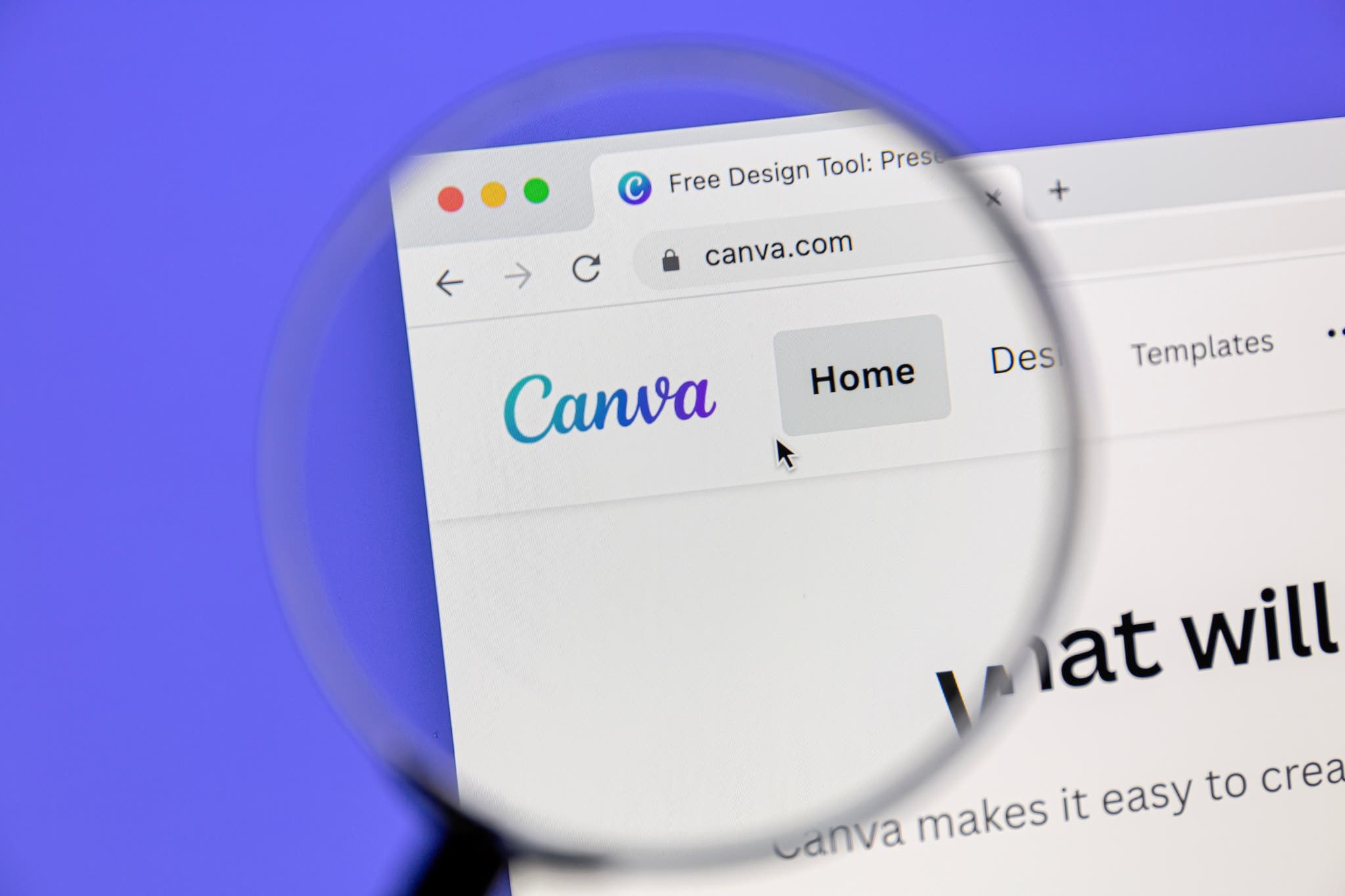
Once your concept is clear, use a design tool to finalize the artwork. Canva is an accessible option for beginners, offering thousands of customizable templates, an easy drag-and-drop interface, and tools to remove backgrounds or adjust colors. It also integrates well with AI-generated art, allowing you to make edits before printing.
For greater precision, Adobe Illustrator is ideal for creating vector graphics that maintain sharpness at any size, while Photoshop is better suited for detailed raster artwork. Many creators start with AI-generated art, refine it in Adobe, and then prepare it for printing.
When you’re ready to order, upload your design directly to StickerYou’s custom sticker maker to see an instant preview of how your design will look when printed.
Step 3: Prepare Your File for Professional Printing
For best results, export your design as a high-resolution PNG with a transparent background if you want a custom cut shape. Set the resolution to 300 DPI to ensure crisp details. Also, remember that colors displayed on-screen (RGB) will be converted to print colors (CMYK), so it’s worth double-checking your color choices before uploading.
Not sure you have it right? Don’t worry! StickerYou’s team manually reviews every order to ensure optimal print quality.
Step 4: Print Your Stickers with StickerYou
Uploading your finished design to StickerYou lets you control every detail of your order:
Choose any size or shape—from small product labels to large promotional decals.
Select from premium materials including white vinyl, clear, holographic, glitter, and eco-safe options.
Order exactly the quantity you need, from a single sticker to large bulk runs.
Our process ensures consistent color reproduction, precise cutting, and a durable finish that’s waterproof and resistant to fading.
Step 5: Put Your Stickers to Work
Once your stickers arrive, they’re ready to be used for:
Product branding and packaging
Event giveaways or trade show promotions
Retail merchandise
Personal customization of laptops, bottles, and other items
With AI tools to help you develop ideas, professional design software to create polished graphics, and StickerYou to handle the printing, you can produce high-quality, custom stickers that serve both creative and practical purposes.