
 Help Center
How to Upload Your Art for Custom DTF Transfers
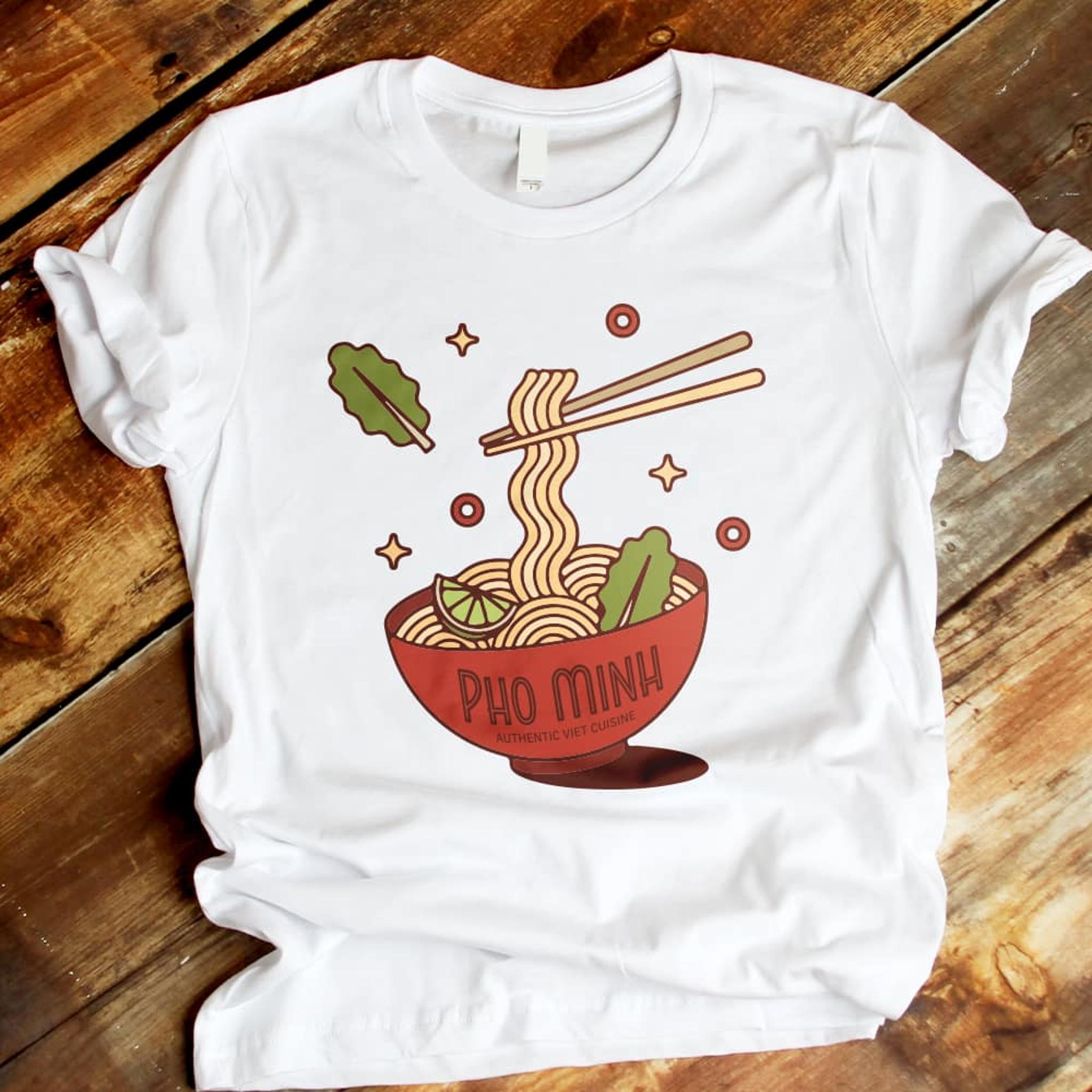
Direct-to-Film (DTF) transfers make creating custom apparel easy. Traditional iron-ons can feel thick or stiff, but DTF transfers are thin, stretchable and durable. You can apply complex, full-color designs to almost any fabric with a professional finish.
The secret to a great merch starts with a great upload. Follow these steps for prepping and uploading your art if you want your designs to look professional.
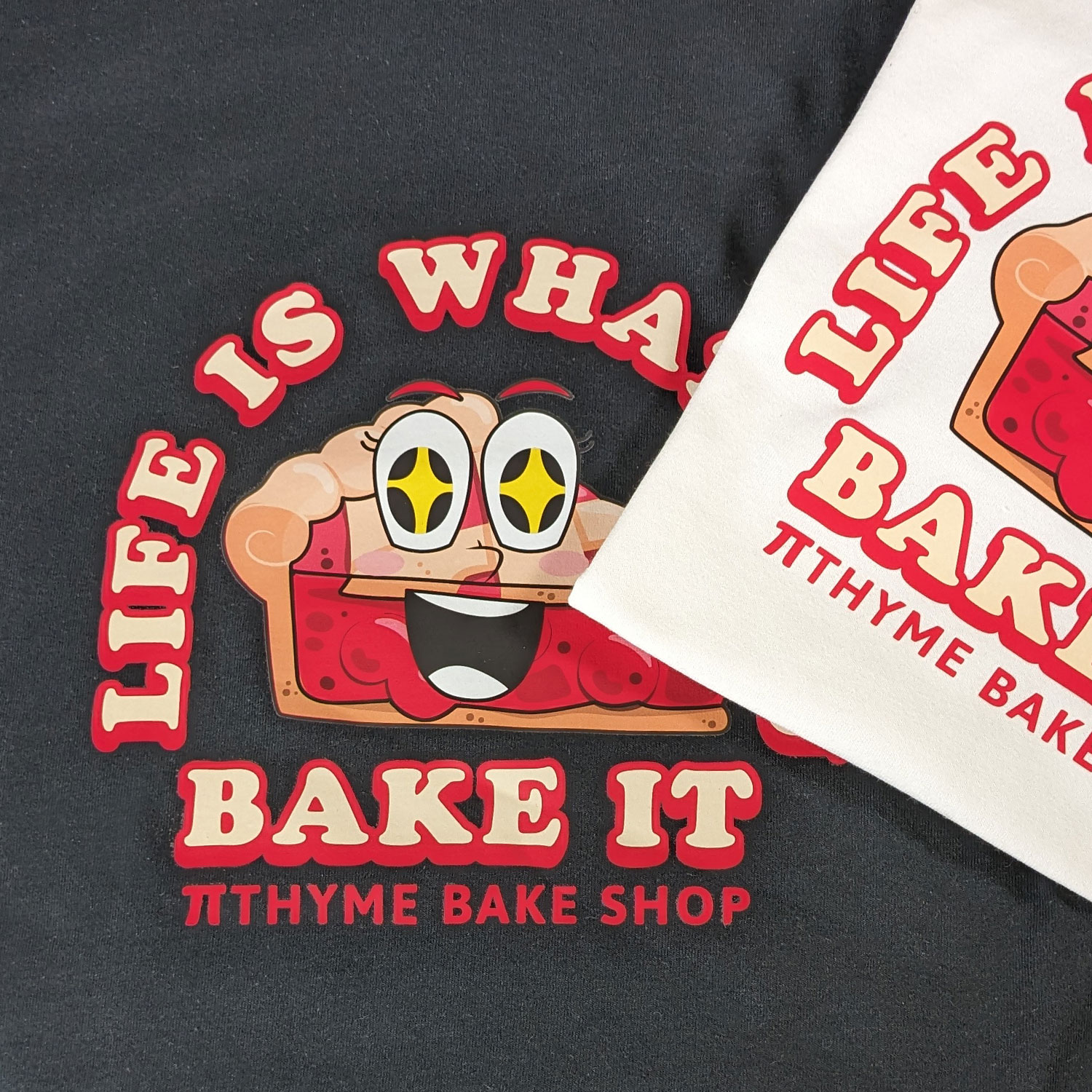
How to Upload Your Art for a Custom DTF Transfers
1. Prep Your Artwork
Check your file settings before uploading. DTF printing captures lots of detail, but it needs a solid foundation to work with. Use PNG files with a transparent background. This ensures the printer only prints your design and not a big white box around it. If you have vector art, PDF or AI files also work beautifully. Aim for 300 DPI. If your image is low-resolution, it might look fuzzy or pixelated once it’s scaled up for a t-shirt. DTF uses CMYK printing, so vibrant colors and gradients will translate perfectly from your screen to your fabric.
2. Upload to the StickerYou Editor
Once your file is ready, head over to the DTF Image Transfer page. Then:
• Select your format: You can choose to order a single design or fill an entire page with multiple images to get the most bang for your buck.
• Upload: Click the upload button and select your file. Our editor will pull your image in and show you exactly how it looks.
• Check the quality: Keep an eye on the image quality indicator in our tool. If it flags your image as low resolution, try a larger file to ensure a clean, crisp print.
3. Size and Position
This is where you take control of the final look. In the editor, you can click and drag the corners of your design to scale it to the perfect size. For small branding, aim for 2–4 inches for pocket logos or sleeve hits. For big statements, go for 8–11 inches for a standard full-chest graphic. Use the grid lines in our editor to make sure your design is centered and fits within the printable area.
4. Finalize and Order
Once you’re happy with the placement, you can add the transfers to your cart. Unlike other printing methods, there are no minimum order quantities, so you can test a single design or stock up for a whole team.
Why Choose DTF Transfers?
DTF transfers are built to last. They don’t crack when stretched and can survive dozens of trips through the laundry without fading. Because they apply at a lower temperature than traditional vinyl, they are also safe for a wider variety of fabrics, including polyester and blends.
Ready to see your designs in person? Upload your artwork to our editor and start building your custom apparel collection today.