 Help Center
Design & File Setup
Explore our Design & File Setup articles for tips, ideas, and how-tos.

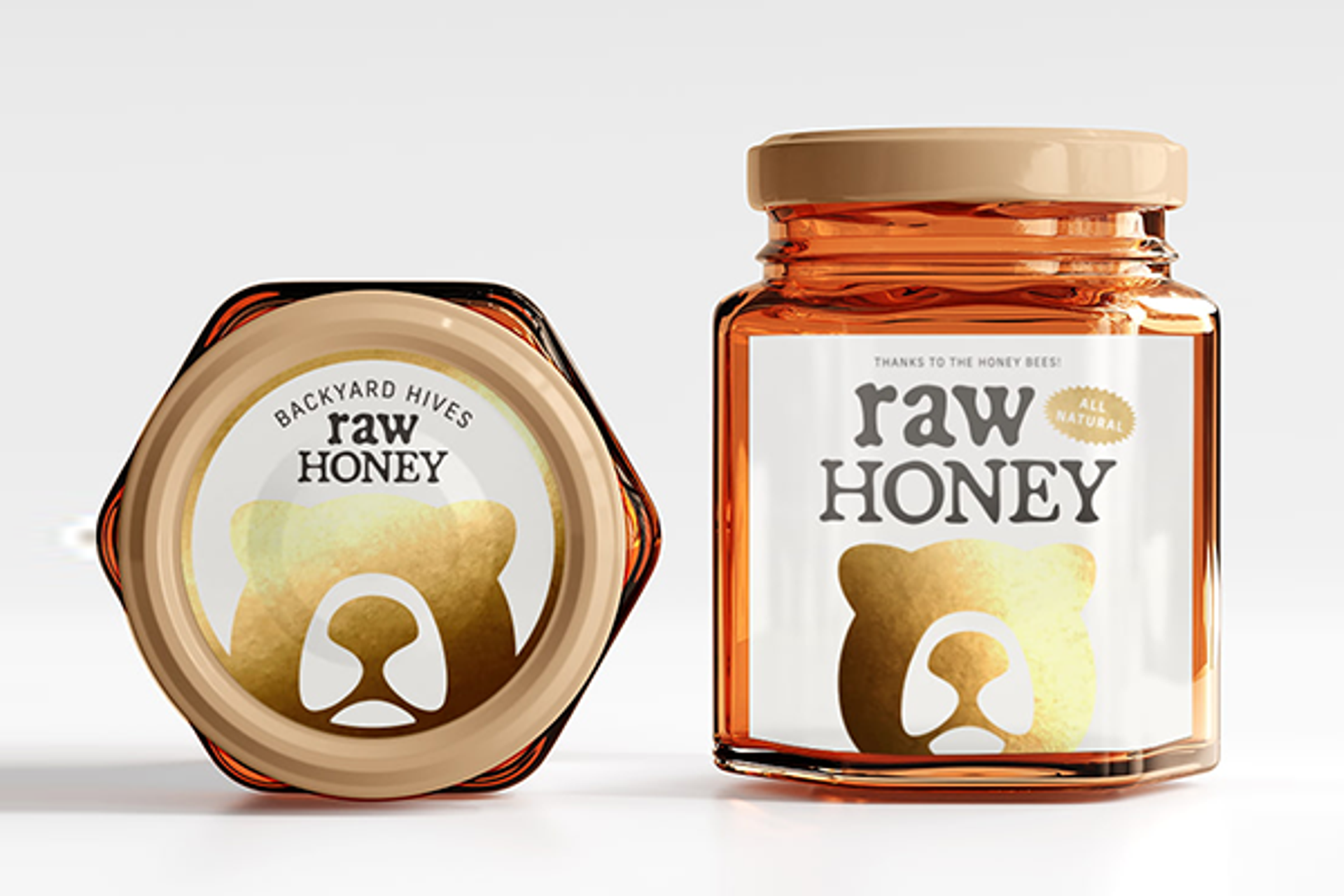

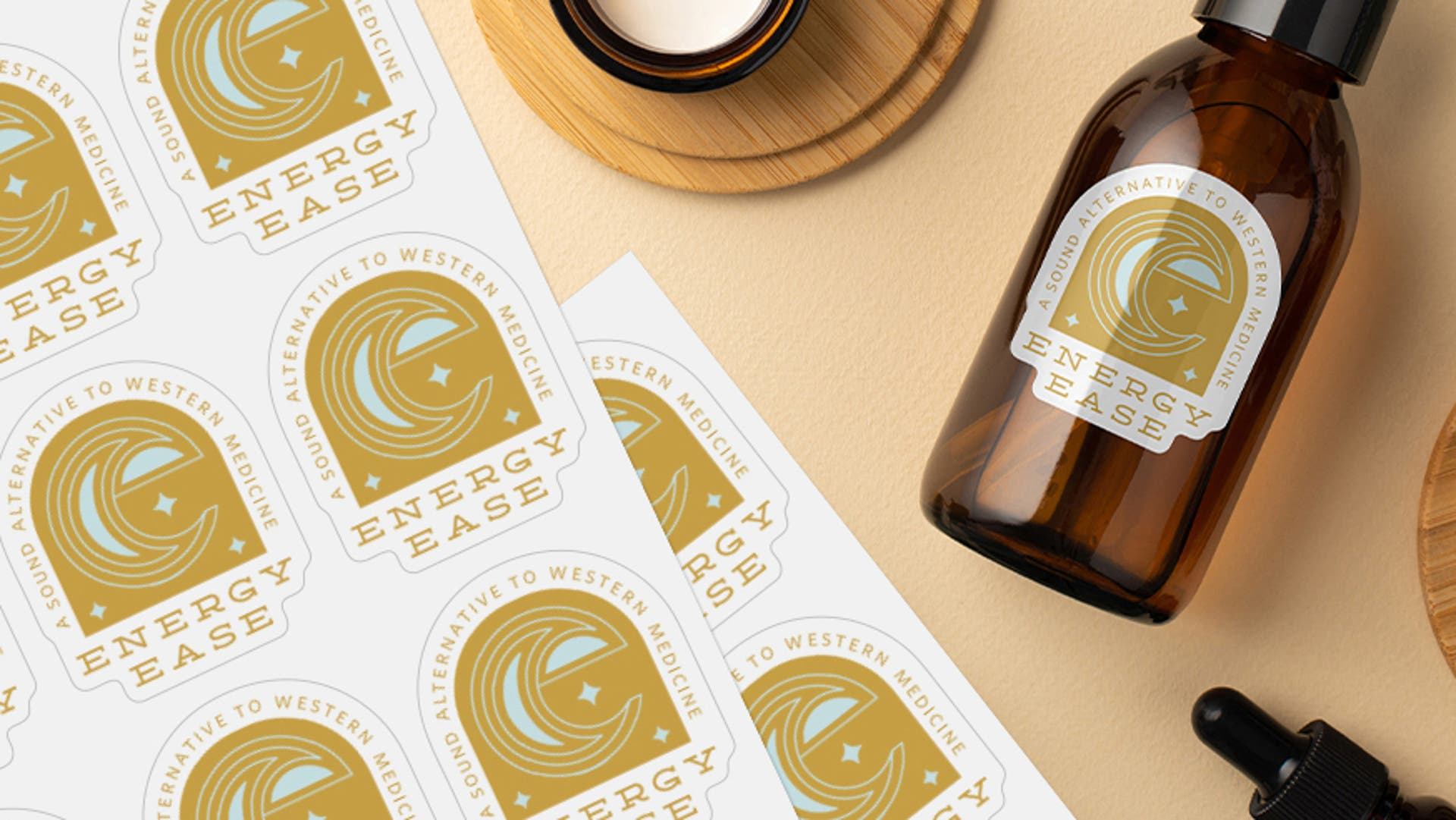

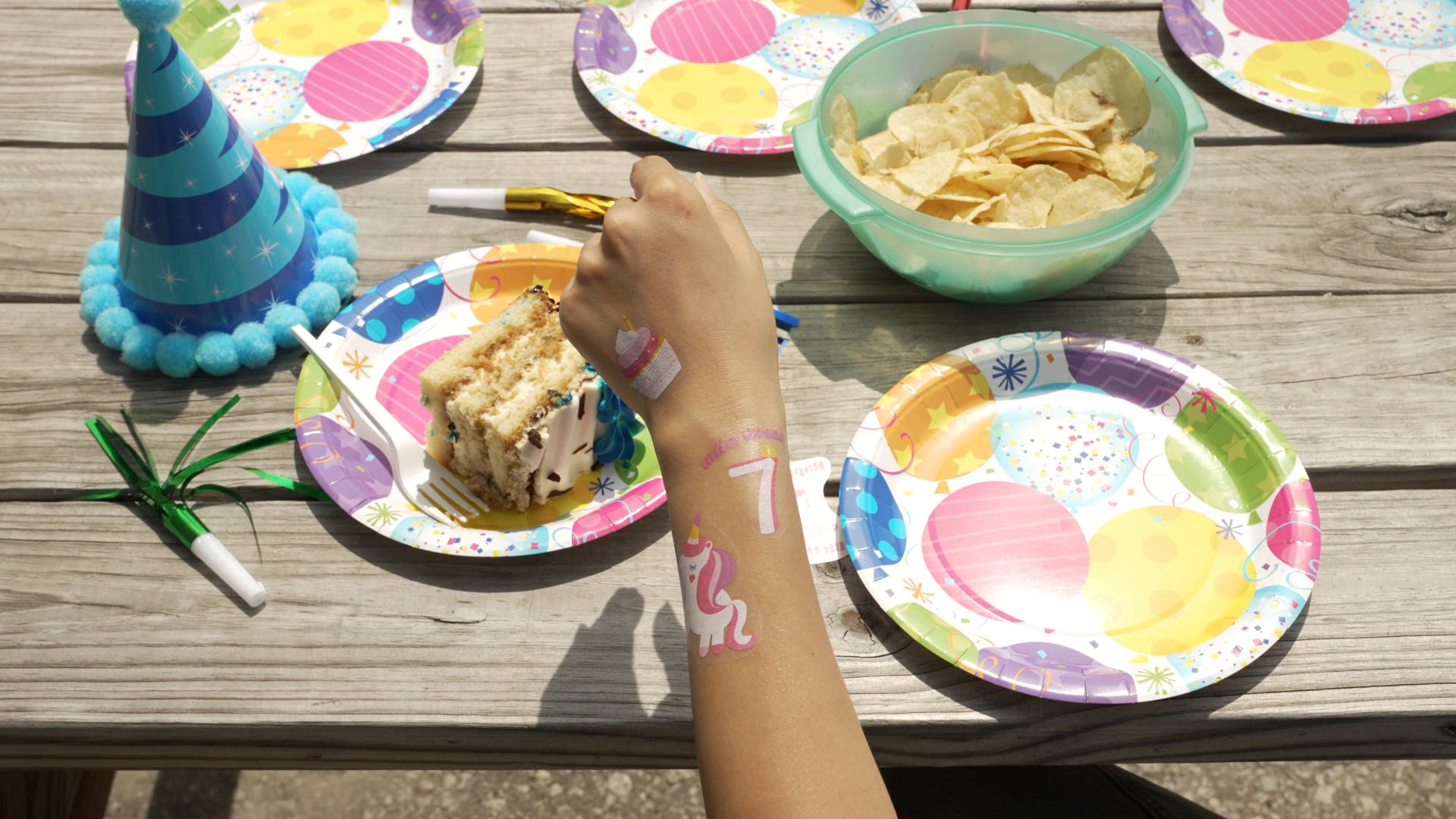
7 Ways StickerYou Makes Custom Branding Effortless
Discover how StickerYou makes custom branding easy with professional art checks, AI assistance, and seamless reordering for perfect custom stickers every time.
Vector vs. Bitmap: Choosing the Right Image Format for Print
Learn the difference between vector and bitmap images. Discover which format ensures your custom stickers and labels stay sharp at any size.
How to eliminate the white border around your sticker using the eyedropper button
Learn how to eliminate the white border around your sticker using the eyedropper tool. Follow our easy steps to match background colours and get a perfect die-cut!
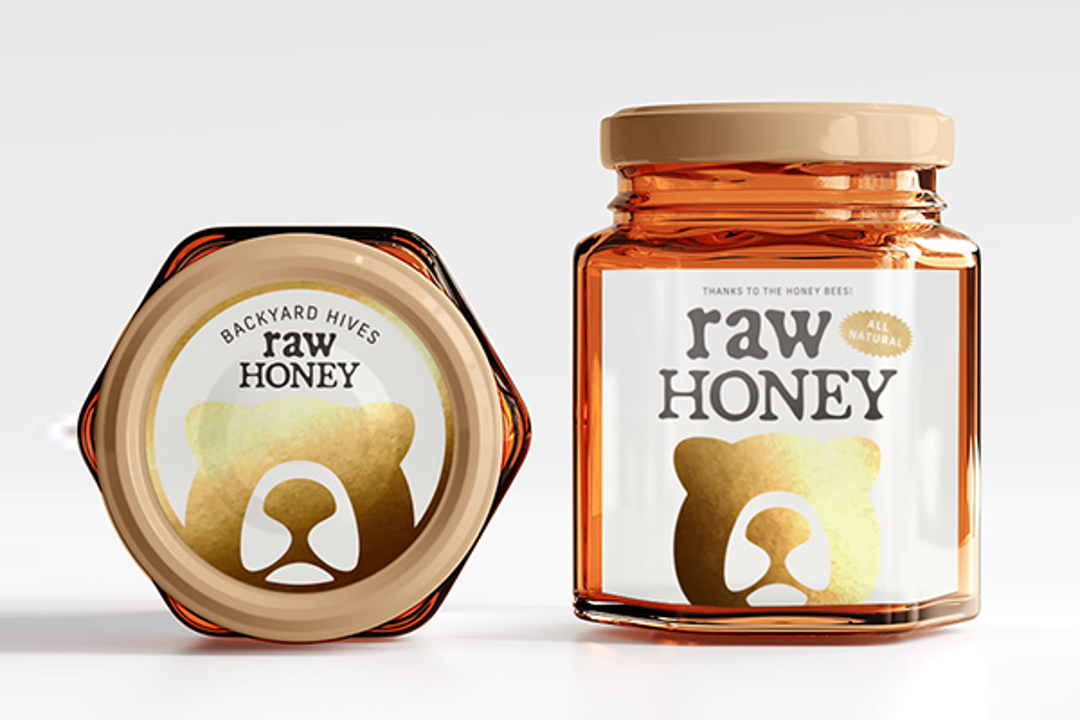
Sticker Size Guide 101: How to Find the Perfect Fit
Not sure what size to order? Our Sticker Size Guide 101 helps you find the perfect dimensions for laptops, water bottles, and packaging.
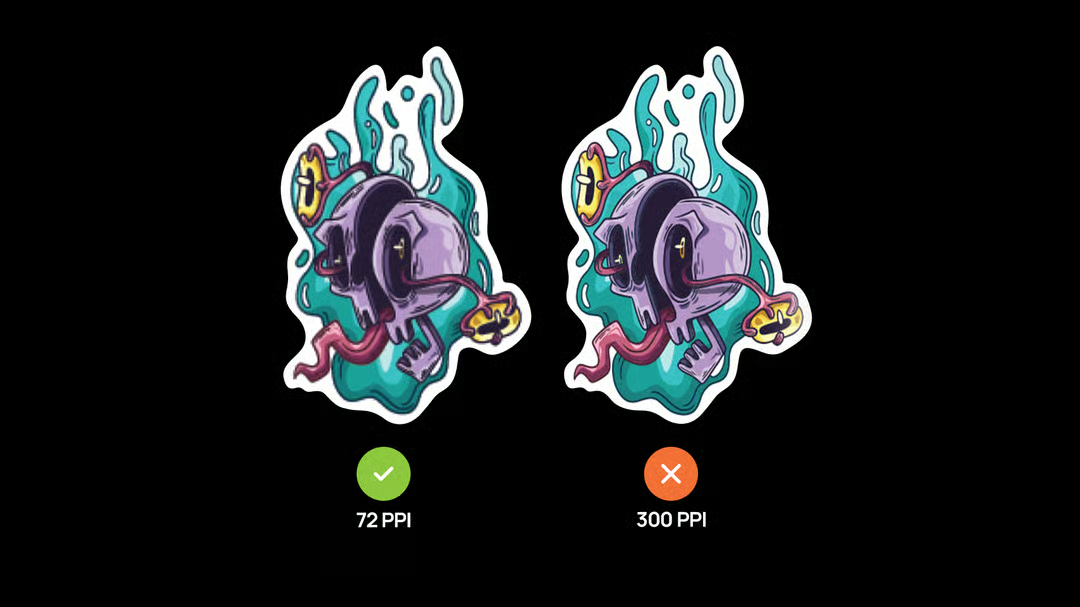
5 Quick Tips to Get Your Artwork Print-Ready
Helpful tips for getting your art ready for printing at StickerYou!
.jpg?auto=avif&width=1080&quality=75)
The Ultimate Guide to Label Materials: Which Finish Fits Your Vision?
Which label material is right for you? Explore the world of label materials! From durable vinyl to eco-friendly options, learn how to choose the perfect material for your labeling needs.
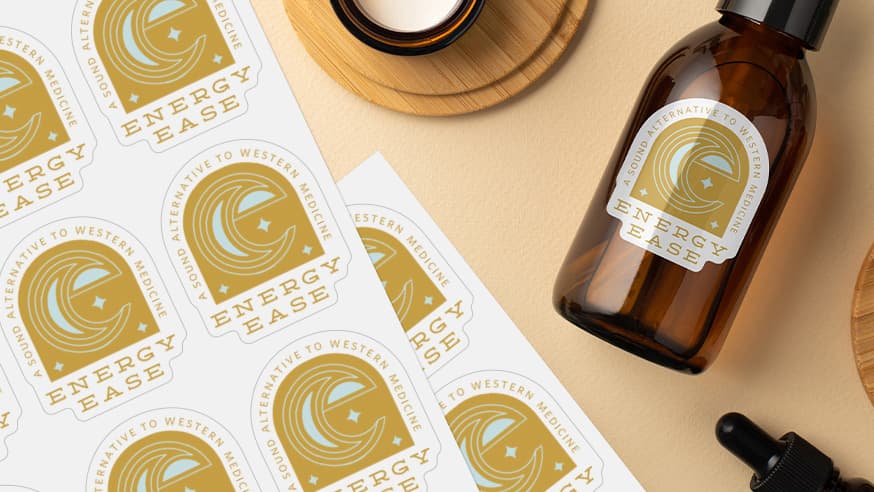
How to Size Your Labels for Round or Odd-Shaped Containers
Creating the perfect label for your product is both an art and a science, especially when your containers aren’t your standard flat, rectangular surfaces
Art Services
Our Art Services team can help ensure your print is perfect - from expert advice to custom recommendations, StickerYou is here to help!

What are the bleed and safe zones?
Learn exactly what bleed and safe zones are in print design. This guide explains how to set up your files correctly to avoid white edges or cut-off text.
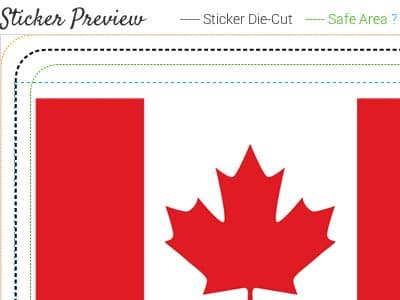
What is a die-cut sticker?
A die-cut is the outline around a sticker in which it will peel off. StickerYou gives you a variety of custom die cut options.
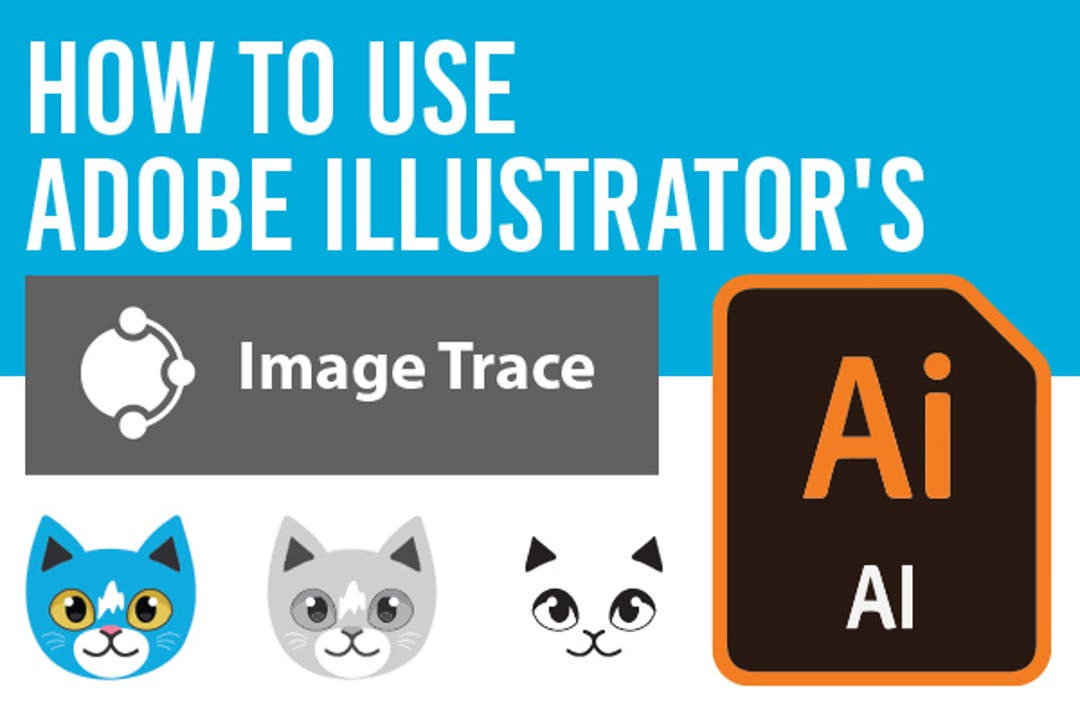
How to Use Adobe Illustrator's "Image Trace"
The Image Trace feature in Adobe Illustrator can take your raster image, and convert it into a vector!
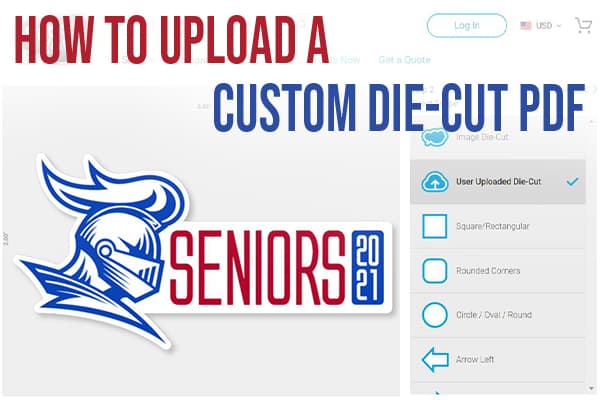
How to Upload a Custom Die-Cut PDF
If you’re a graphic designer, or have branded artwork that needs a very specific, custom die-cut shape, you can now place your order directly online simply by uploading your PDF file. Here’s how!
Avoid These Design Mistakes When Printing Small
Designing files that work well when printed at a small size can be tricky, but there are a few tactics to keep in mind that will set you up for success
Steer Clear: 10 Common Print Mistakes to Avoid
Get your files in proper print condition by avoiding these 10 easy mistakes!
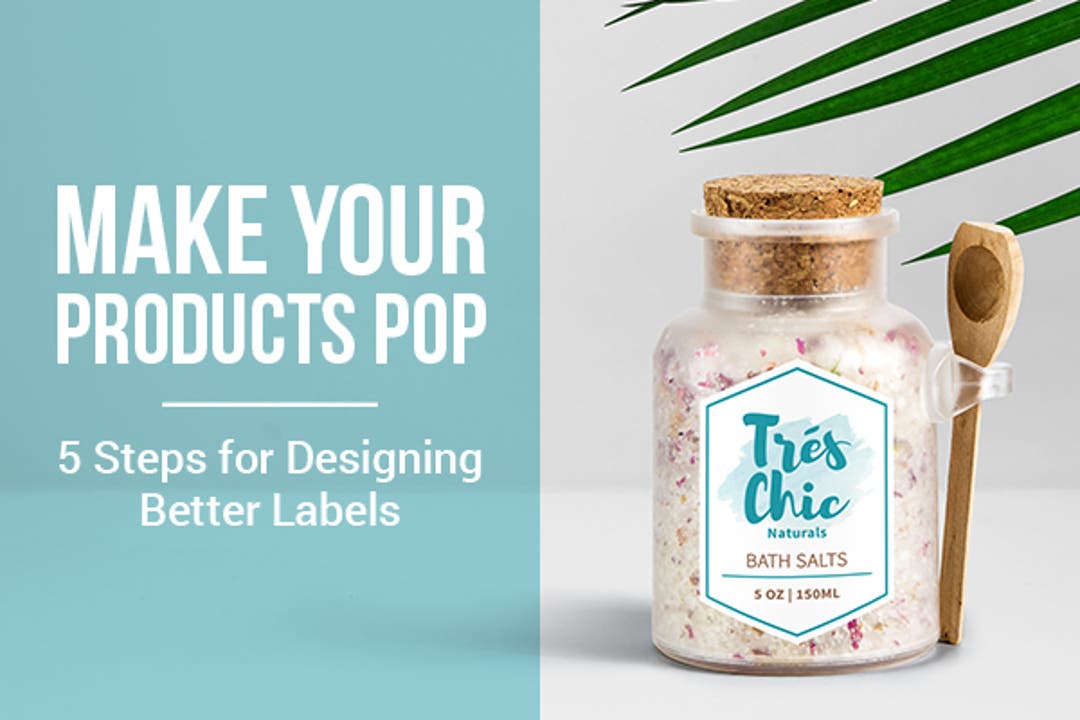
5 Steps for Designing Better Labels
Tips from the StickerYou Design Team for designing <a href=http://www.stickeryou.com/2/products/custom-labels/173>custom labels</a> to make your products pop!
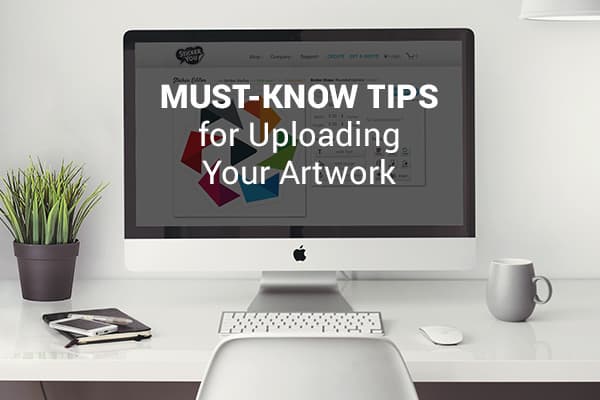
Must-Know Tips for Uploading Artwork
See how you can boost the impact of your StickerYou orders with these simple artwork file tips!